



Description
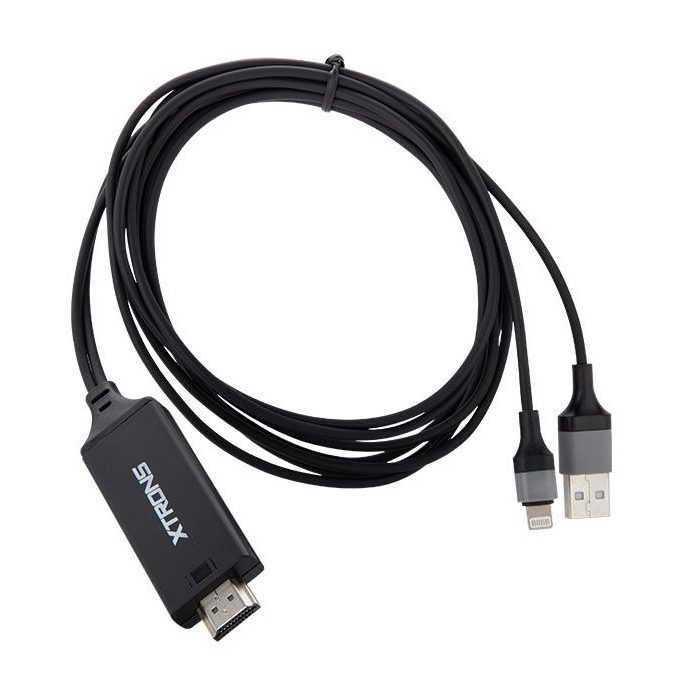
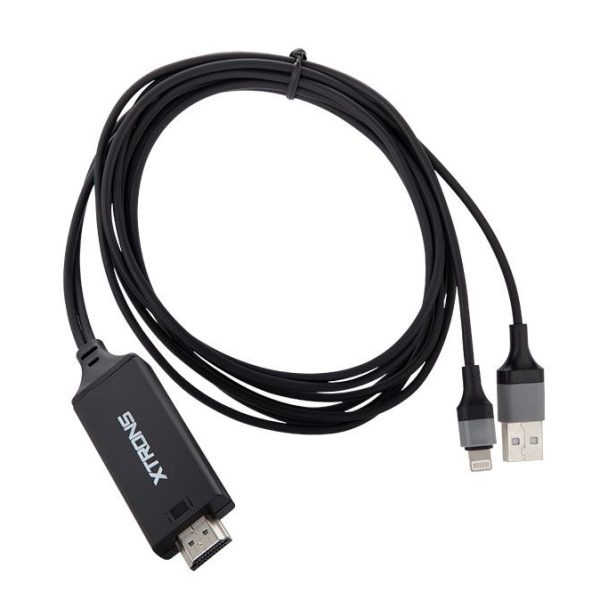
HDTV04 Lightning to HDMI TV AV Cable Adapter for Apple iPhone 5 6 7 8 X & iPad
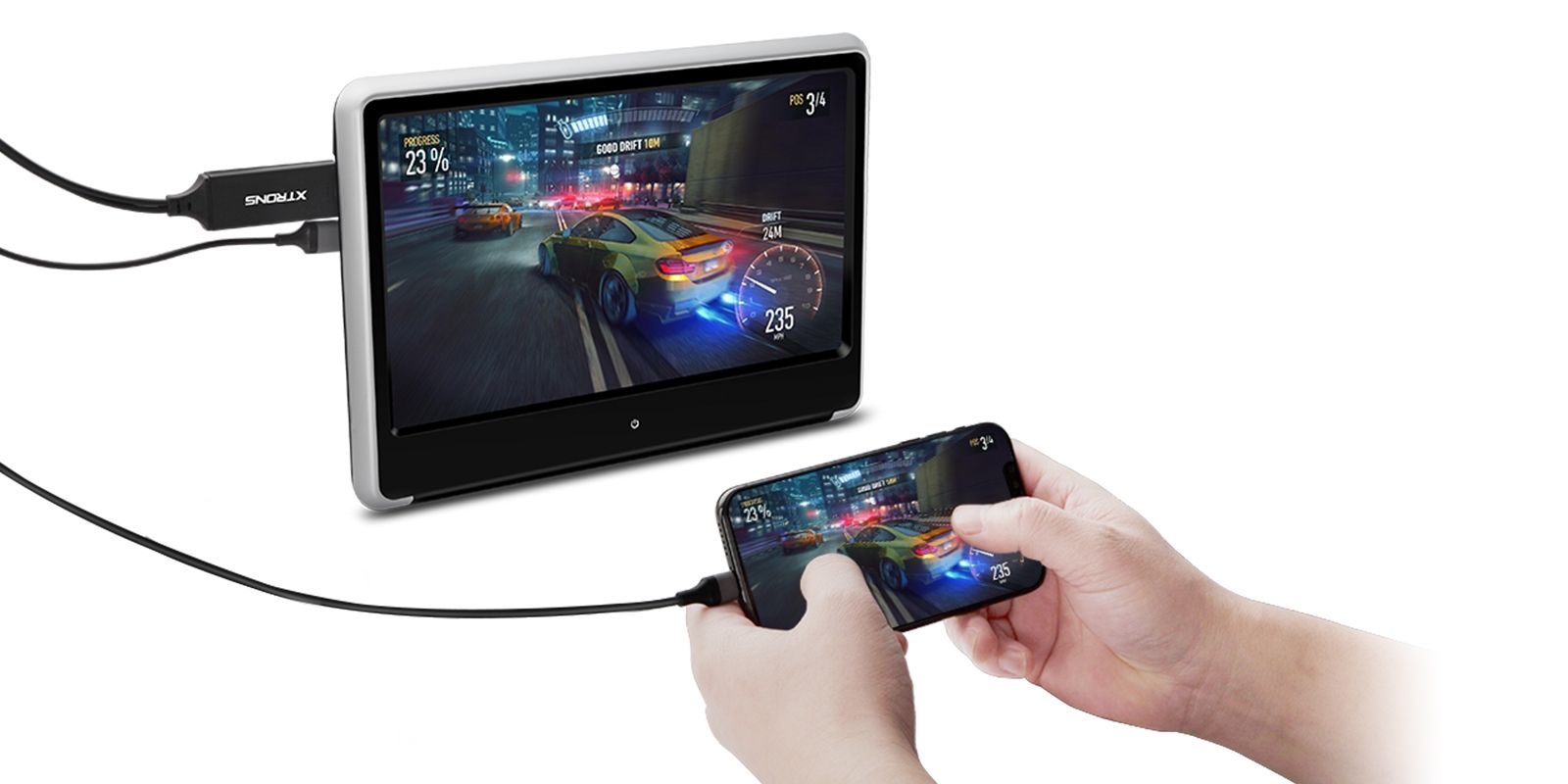
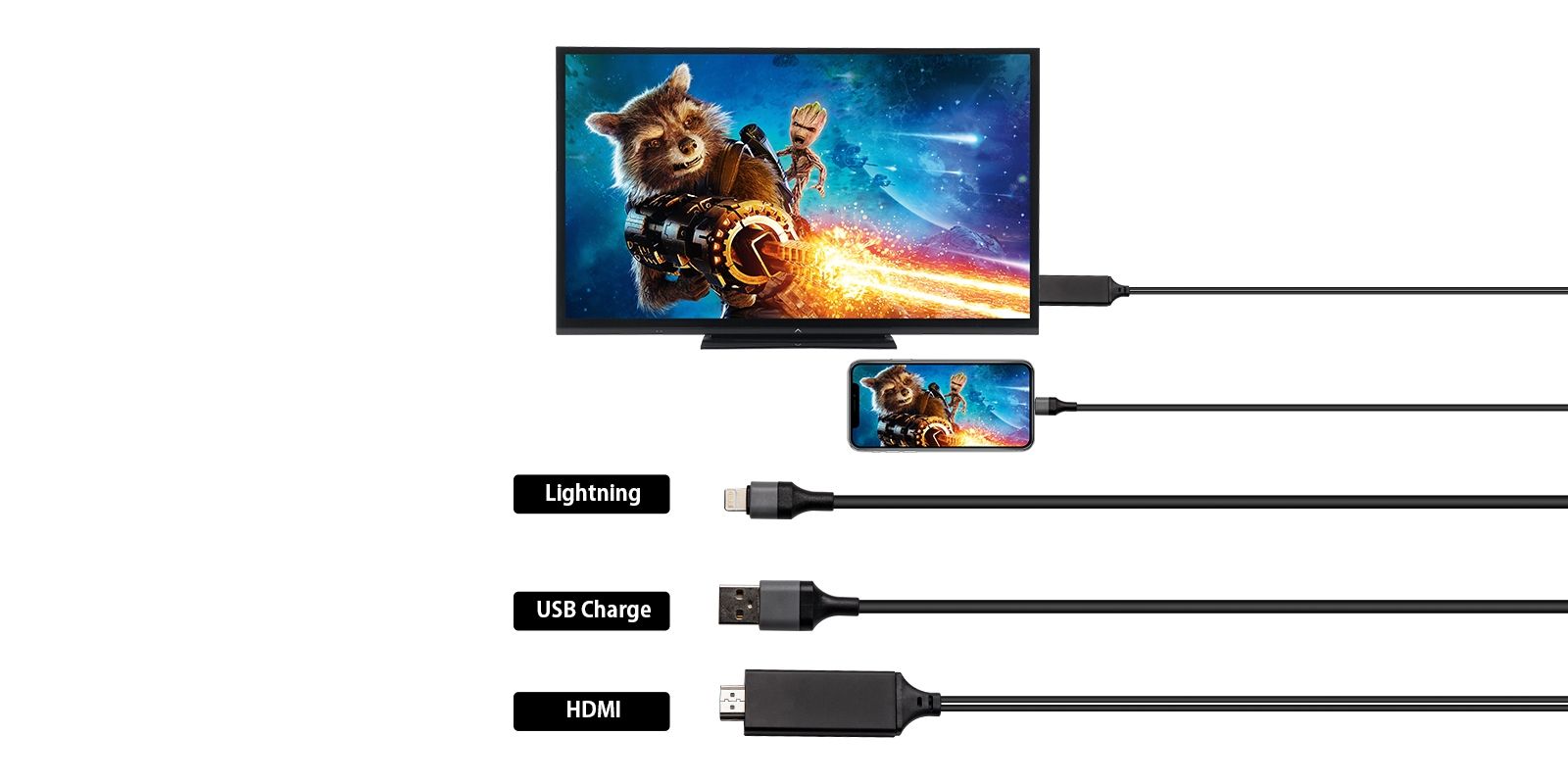
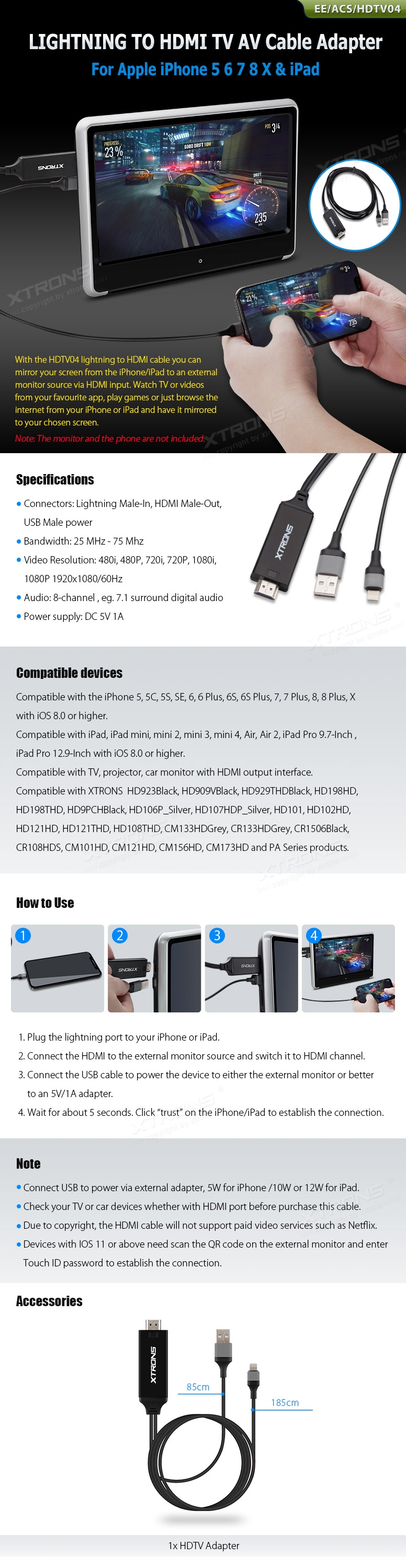
With the HDTV04 lightning to HDMI cable you can mirror your screen from the iPhone/iPad to an external monitor source via HDMI input. Watch TV or videos from your favorite app, play games or just browse the internet from your iPhone or iPad and have it mirrored to your chosen screen.
Specifications
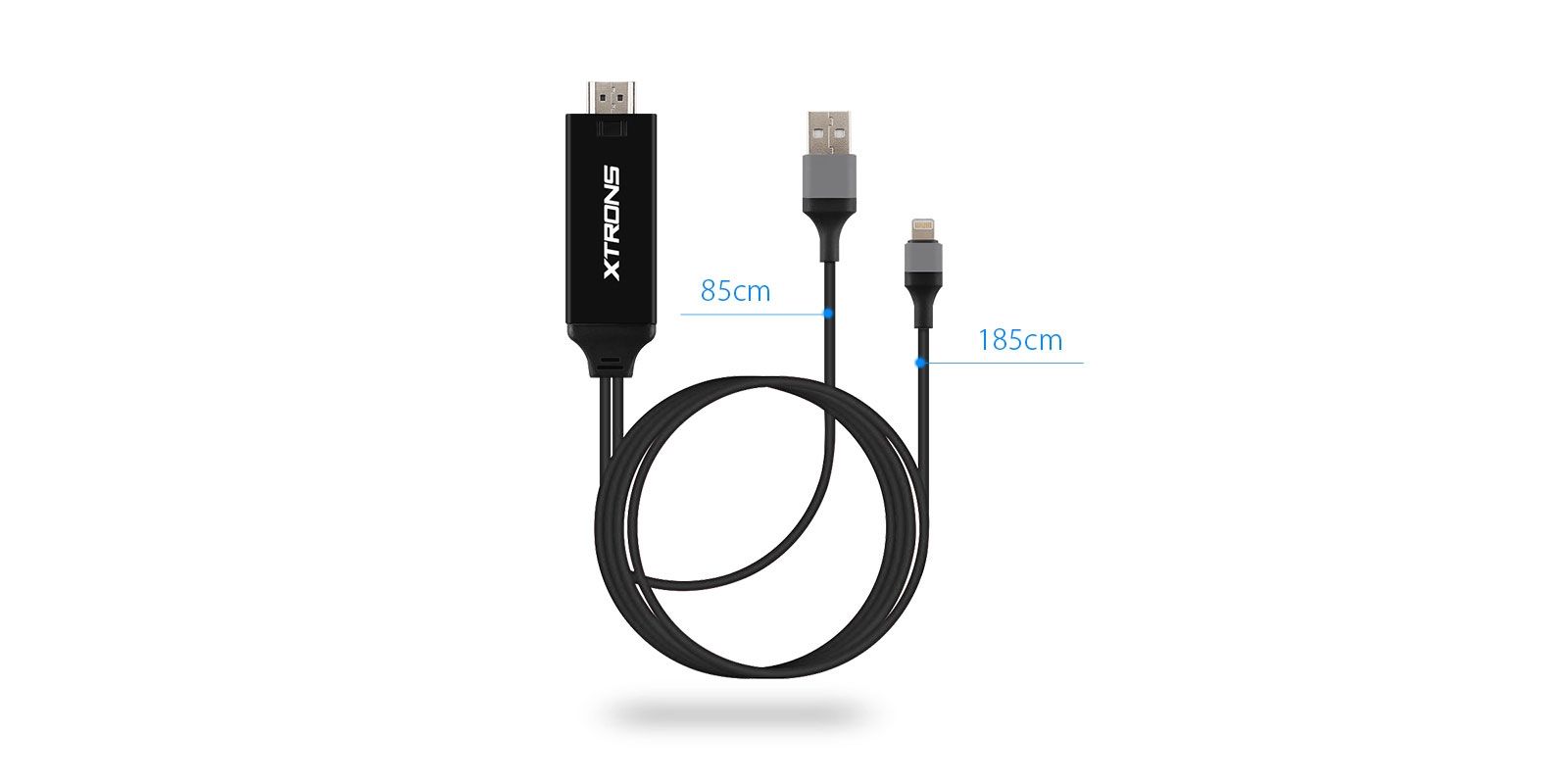
Connectors: Lightning Male-In, HDMI Male-Out, USB Male power
Bandwidth: 25 Mhz – 75 Mhz
Video Resolution: 480i, 480P, 720i, 720P, 1080i, 1080P 1920×1080/60Hz
Audio: 8-channel, eg. 7.1 surround digital audio
Power Supply: DC 5V 1A
Compatible Devices
Compatible with the iPhone 5, 5C, 5S, SE, 6, 6 Plus, 6S, 6S Plus, 7, 7 Plus, 8, 8 Plus, X with iOS 8.0 or higher.
Compatible with iPad, iPad mini, mini 2, mini 3, mini 4, Air, Air 2, iPad Pro 9.7-Inch, iPad Pro 12.9-Inch with iOS 8.0 or higher.
Compatible with TV, projector, car monitor with HDMI output interface.
Compatible with XTRONS HD923Black, HD909VBlack, HD929THDBlack, HD198HD, HD198THD, HD9PCHBlack, HD106P_Silver, HD107HDP_Silver, HD101, HD102HD, HD121HD, HD121THD, HD108THD, CM133HDGrey, CR133HDGrey, CR1506Black, CR108HDS, CM101HD, CM121HD, CM156HD, CM173HD and PA Series products.
How to Use
1. Plug the lightning port to your iPhone or iPad.
2. Connect the HDMI to the external monitor source and switch it to HDMI channel.
3. Connect the USB cable to power the device to either the external monitor or better to an 5V / 1A adapter..
4. Wait for about 5 seconds. Click “trust” on the iPhone / iPad to establish the connection.
Note:
Connect USB to power via external adapter, 5W for iPhone / 10W or 12W for iPad.
Check your TV or car devices whether with HDMI port before purchase this cable.
Due to copyright, the HDMI cable will not support paid video services such as Netflix.
Devices with ISO 11 or above need scan the QR code on the external monitor and enter Touch ID password to establish the connection.
Accessories
1x HDTV Adapter
Reviews
There are no reviews yet.